Maps and Editor Pieces
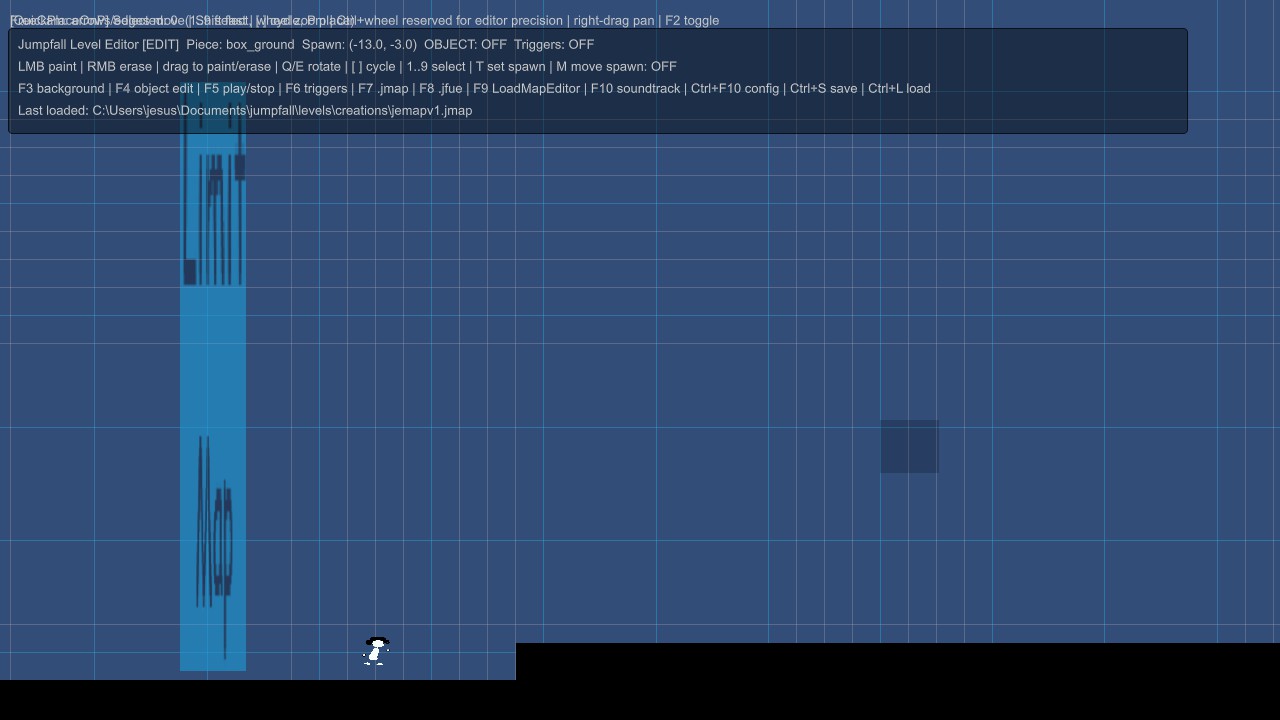
Register .jfue maps and safe 2D editor pieces derived from approved base archetypes such as platforms, checkpoints, jump plates and elevators.
JumpFall Modding 1.0 loads validated .jfmod data packages as a reversible layer over the base game without replacing the executable.
The current runtime exposes controlled content capabilities instead of arbitrary executable code.
Register .jfue maps and safe 2D editor pieces derived from approved base archetypes such as platforms, checkpoints, jump plates and elevators.
Use validated images, silent map videos, WAV/OGG audio and external localization files within documented limits.
Apply scene patches, limited menu layers and bounded player tuning while dependency, conflict and priority rules keep the active profile deterministic.
Safe mode launch options can disable mods without deleting packages or the saved profile.
.jfmod does not load external DLLs, C# assemblies, native code or arbitrary AssetBundles. Packages are checked for unsafe paths, symlinks, oversized files, undeclared capabilities and invalid dependencies before activation.
Restricted Lua events belong to custom map packages and run through the map API. They are documented in the Level Editor workflow.
Lua is currently disabled inside .jfmod packages. A .jfmod containing Lua files is rejected instead of executing them.
The .jfmod runtime is available for Windows, Linux and macOS builds. Android and iOS do not discover or run .jfmod packages.
The integrated manager is functional but still being polished for controller navigation, macOS restart behavior and broader public distribution.